StickyNotes is a program that brings the concept of sticky notes to your desktop. This feature has been known since the Windows Vista operating system, but it was missing in between. They have now returned in Windows 11, but I was not satisfied with them. The difference between Microsoft’s StickyNotes and mine is that mine provide three types of sticky notes.
Each StickyNote remembers its size and the location where the user placed it.
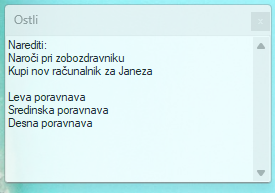
PlainText
The content is plain text only. Intended solely for basic storage of notes without formatting.
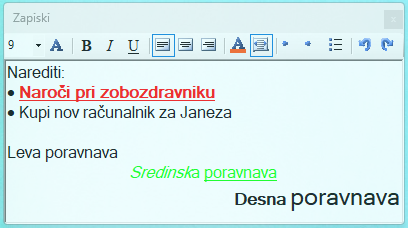
RichText
The content can be formatted. Bold text, italic text, underlined text, font changes, colors, sizes, lists, etc. Intended for nicer-looking StickyNotes and easier content separation.
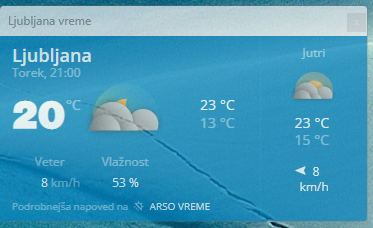
WebPage
The content is a web page that opens the page using Chromium. Intended for displaying web pages with information that is important to the user.
Management
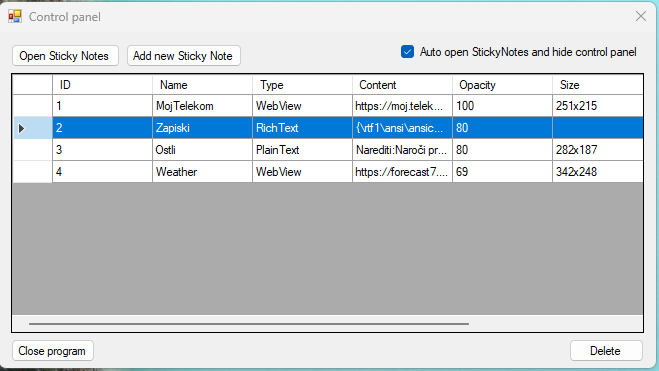
StickyNotes are managed in the control panel. Double-clicking takes you to the settings of the selected note.
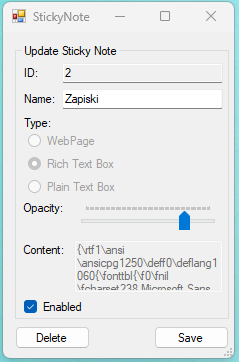
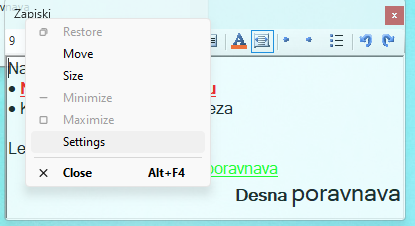
The same settings can also be opened by right-clicking on the title bar and selecting “Settings”.
System requirements
- .NET Framework 4.6
- Windows XP/Vista/7/8/8.1/10/11
Download
Setup.msi: here.
Current version: 1.2